01
↥Choose a clear photoJPG, PNG, WebP, HEIC
Choose country and photo
Select the issuing authority first, then add a recent, well-lit image.
Independent passport photo tool
Automatic crop guidance, background checks, and print-ready sizing — designed to run in your browser without altering your identity.
Your photo should never leave this device.
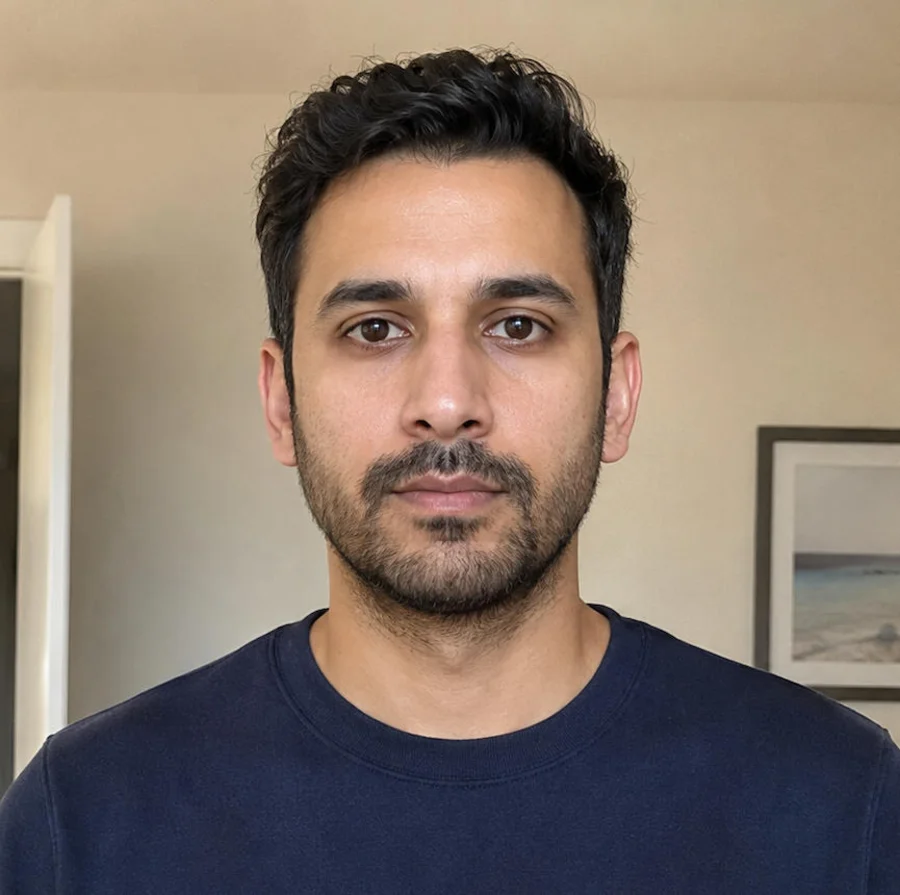
Original image preserved. No background replacement, retouching or AI alteration.
Free to startNo account wall
Private by designLocal workflow
Instant checksClear pass or fix
Print readyDigital + sheet
Country first, then your photo. Everything runs on your device — nothing is uploaded.
Pick the country issuing your passport, visa or ID. Each template is dialed to the official spec.
Background Removal Library provided by www.rembg.com
Start with the issuing country
Avoid the generic “passport size” trap. Dimensions, head height, background, and digital-file rules change by authority.
Simple enough for a phone
Three clear steps, with the requirement visible throughout.
Select the issuing authority first, then add a recent, well-lit image.
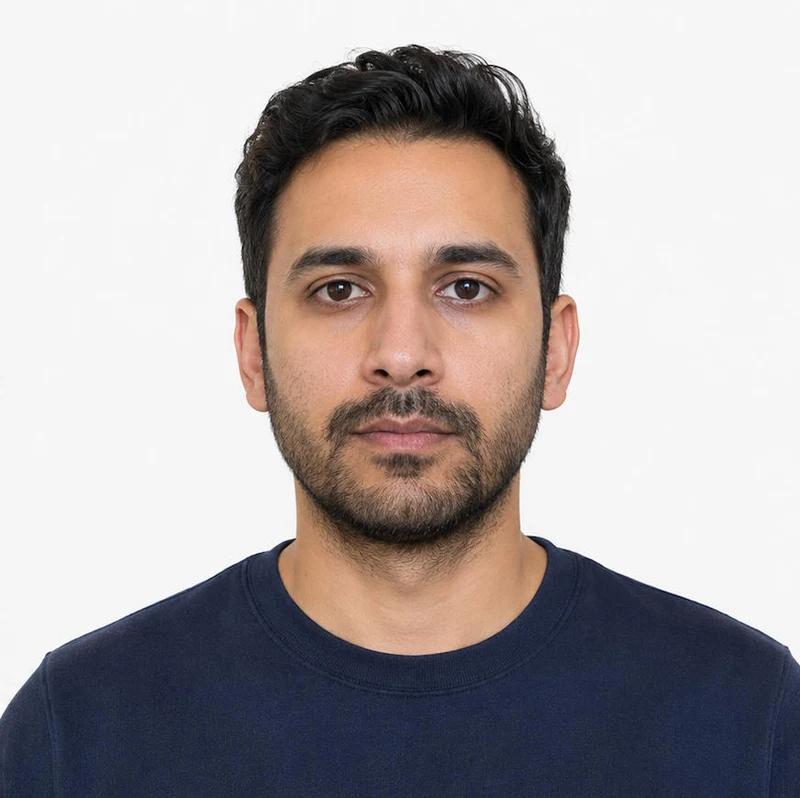
See exactly what passed, what needs attention, and which rule applies.
Export a digital photo and a correctly scaled sheet for local printing.
Useful content, not keyword filler
Every guide should explain the actual decision points and cite the issuing authority — not repeat the same template with a country name swapped in.
Read common questions →Head size and centeringWithin selected country range
PassBackgroundFlat, plain, and shadow-free
PassExpressionNeutral, eyes open, mouth closed
PassLighting and focusEven light with sharp facial detail
PassAccessoriesRules checked for glasses and headwear
PassOutput fileCorrect pixels, format, and print scale
PassProcessed herePrivacy is a product feature
A strong privacy claim must be technically true, easy to verify, and reflected in analytics, logging, and third-party scripts.
Requirements with provenance
A direct authority link makes the page more useful to travelers — and more trustworthy to search engines.
Questions before you upload
Keep the editor fast, then answer the high-stakes questions in plain language next to the relevant official source.
No. Photos are checked and cropped in your browser — no image is uploaded to a server, and no account is required. You can even disconnect from the internet after the page loads and the editor still works.
No. A tool can prepare the crop, dimensions, background and print resolution, but only the issuing authority can accept an application. Requirements can also change, so always check the linked official source.
Use a recent, sharp, evenly lit photo taken straight on. Keep your full head visible, remove tinted glasses, avoid filters, and leave space around your head and shoulders.
Yes. The output includes a single digital photo and a correctly scaled print sheet. Print at actual size on suitable photo paper and disable automatic cropping in the printer settings.
No studio. No account wall.
Start with a clear photo and the country issuing your document.
Jump directly to the official spec, size and background colour for the most-requested countries — each page links straight into the editor with the right dimensions pre-loaded.


